Why Does My 4runner Beep 5 Times When I Lock It – The Truth
Your 4Runner beeps five times when you lock it to let you know a rear door was opened before locking. This is part of a back seat alert designed to prevent you from accidentally leaving children, pets, or valuables behind.
The system uses door sensors connected to the vehicle’s control module. It then gives a safety reminder through this distinctive beep sequence.
You can change or turn off this alert through the gauge cluster settings. Knowing about these features can help you manage your vehicle’s safety alerts more effectively.
Key Takeaways
- The 5-beep alert signals a rear door was opened before locking the 4Runner, reminding you to check the back seat.
- It helps prevent leaving children, pets, or valuables behind by prompting a safety check before exiting.
- The system uses door sensors to detect rear door activity and triggers the beep when locking the vehicle.
- You can customize or disable the alert through the gauge cluster menu under door lock preferences.
- While some find it annoying, many drivers value the beep for enhancing back seat safety awareness.
Why Does My 4Runner Beep 5 Times When Locked?
When your 4Runner beeps five times upon locking, it’s warning you about something in the back seat area. This beep sequence happens if a rear door was opened before you locked the vehicle.
It’s basically alerting you to check the back seat for forgotten passengers or items. The system uses sensors that detect if any rear door was opened, then triggers the alert.
This helps improve safety and prevent accidents with children, pets, or valuables left behind. Although some find the beeping annoying, its main goal is to make sure you’re aware of the back seat’s condition after locking up.
In short, the five beeps are a safety feature to remind you to look in the back before leaving. It’s designed to avoid leaving someone or something behind unintentionally.
How the Back Seat Alert Works in Your 4Runner
The back seat alert system in your 4Runner keeps an eye on rear door activity to boost safety. It triggers a five-beep warning when you lock the vehicle after a back door has been opened during your drive.
This alert helps remind you to check the back seat before exiting, so you don’t accidentally leave children or personal belongings behind. When you lock the car and a back door was opened but not reopened afterward, the system activates the warning.
It uses door sensors integrated with the vehicle’s control module to track back door use accurately. Some people find this feature really helpful for safety, but you can access the settings through the gauge cluster menu to adjust or turn it off if you prefer.
What Triggers the 5-Beep Back Seat Alert?
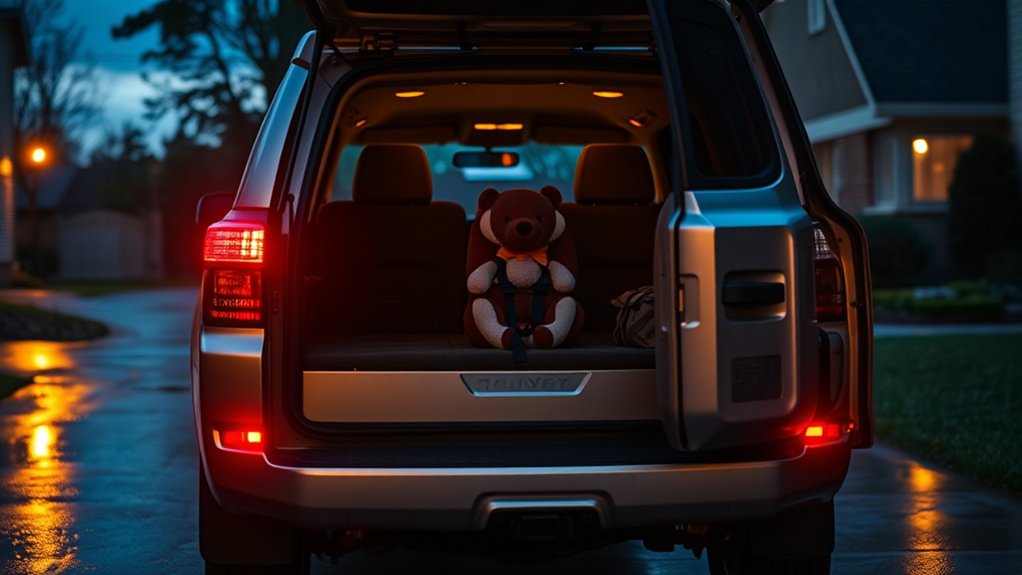
Understanding what triggers the 5-beep back seat alert helps you better utilize this safety feature in your 4Runner. The alert activates when the vehicle detects a rear door opening before you lock the doors.
This triggers the 5-beep alert as a reminder to check the rear seat for passengers or items, which helps prevent accidental abandonment. If you drive without reopening the rear door, the system still emits the alert upon locking to reinforce this check.
To access or change alert settings, you might need to log in or register with Toyota’s system tools or apps. This precise triggering mechanism makes sure you never forget the rear seat, making the 5-beep alert a vital safety feature in your 4Runner.
Common Reasons for the 5-Beep Back Seat Alert in Your 4Runner
The 5-beep back seat alert is basically a safety reminder to double-check the back seat before you start driving. You’ll hear this alert if the system detects that a rear door was opened before the vehicle was locked. It’s there to help you remember to look back and make sure there’s nothing or no one left behind.
Knowing what triggers this alert can really help you avoid potential accidents or leaving belongings or kids in the car by mistake. So, next time you hear those beeps, just take a quick peek in the back seat—it’s a simple step that can make a big difference.
Back Seat Alert
Although it may catch you off guard, hearing five beeps when locking your 4Runner means the Back Seat Alert system has activated as a safety reminder.
This alert helps ensure you don’t forget anything or anyone in the back seat, especially after opening a rear door before driving.
When triggered, the system emits five distinct beeps to prompt you to check for passengers or belongings left behind.
Its main goal is to improve safety by preventing accidental lock-ins of kids or pets and avoiding forgotten items.
Even if the back seat is empty or the door wasn’t opened, the alert still sounds after locking, reinforcing a safety habit.
This feature highlights Toyota’s commitment to keeping both occupants and property safe in your 4Runner.
Safety Reminder Beeps
Whenever you lock your 4Runner after opening a rear door, the system triggers five distinct beeps to remind you to check the back seat. These 5 beeps serve as a safety reminder, helping you avoid forgetting passengers or items in the rear seats.
This alert only activates if a rear door was opened before locking. It’s designed to alert you to a potential safety concern, like leaving children or valuables behind.
You can customize or turn off this feature through your vehicle’s menu under door lock and alert settings. Here’s what the 5-beep safety reminder covers:
- Detects rear door activity before locking
- Activates audible 5 beeps for alert
- Prompts inspection of rear seats
- Allows user customization via settings
How to Check for Items Left in Your 4Runner’s Back Seat
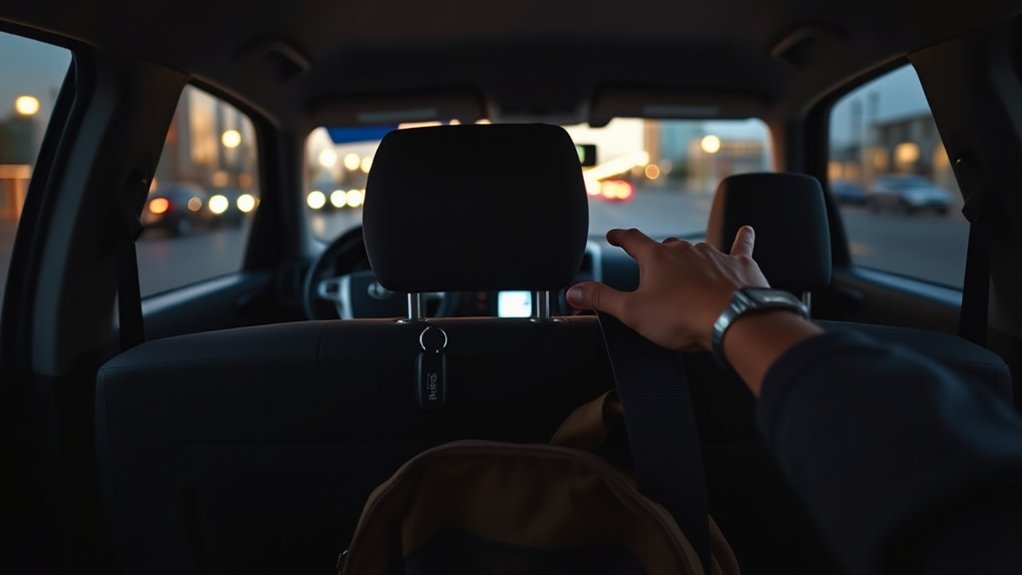
Before you lock up your 4Runner, take a quick look at the rear door to see if it’s been used recently. It’s a good way to tell if anyone’s been back there lately, and it can help you spot any forgotten items.
Don’t forget to check the vehicle’s notifications and do a quick visual scan—these little steps can save you from leaving something behind that might set off the 5-beep alert. Just a quick peek, and you’re good to go!
Inspect Rear Door Usage
Since the 4Runner triggers five beeps if a rear door was opened before starting the vehicle, you should carefully inspect the back seat when you hear this alert. This beep acts as an important safety reminder, indicating the rear door use needs your attention to prevent forgotten items or safety issues.
To properly check, follow these steps:
- Open both rear doors and visually and physically check the seat area.
- Look for anything unusual like child seats or personal belongings.
- Make sure seat belts are properly stowed and nothing is blocking the door from closing.
- Confirm all rear doors are fully closed and latched to reset the alert system.
This quick check helps keep safety in check and prevents the five-beep alert from sounding again unnecessarily.
Identify Forgotten Items
To effectively spot forgotten items in your 4Runner’s back seat, start with a quick visual check every time you get out. Look over all the seats, floor mats, and underneath the seats for personal belongings or valuables.
The 5 beeps you hear when locking mean a rear door was opened before driving. This is your cue to double-check that nothing is left behind. You can also glance at the vehicle’s central display for any alerts about rear seat occupancy or objects.
Doing this regularly helps prevent leaving kids, pets, or important items unattended. It also reduces the chances of the beeping alert going off again. Plus, it guarantees you won’t accidentally leave anything critical in the back seat.
Can You Disable the 5-Beep Back Seat Alert?
How can you disable the 5-beep back seat alert on your Toyota 4Runner? You usually access the vehicle’s settings menu via the gauge cluster to adjust or turn off this feature, but it depends on your model year.
Here’s a general way to do it: First, turn the ignition on without starting the engine. Then, navigate to the settings menu using the steering wheel or cluster controls.
Next, hold the center button on the gauge cluster to enter door lock preferences. Look for the back seat alert option and toggle it off if possible.
If your 4Runner doesn’t let you disable the alert, check the owner’s manual or contact a dealer for specific instructions. Remember, this alert is meant as a safety reminder, so think about the implications before turning it off.
How to Find and Adjust Beep Settings in Your 4Runner
Want to change the beep sounds on your 4Runner? It’s pretty straightforward. Just use the gauge cluster display to navigate through the menu. Hold down the center button until the customization options show up—then look for settings like “Door Lock” or “Beep.”
Once you find them, you can tweak the audible alerts to match what you prefer. If you’re having trouble or your model needs specific steps, it’s a good idea to check out the owner’s manual for detailed instructions.
Accessing Beep Settings
Managing the beep settings in your 4Runner involves accessing the vehicle menu through the gauge cluster display. Here’s how you can find and adjust these settings precisely:
- Use the gauge cluster controls to navigate to the “Settings” or “Custom Features” menu, depending on your model year.
- Press and hold the center button on the gauge cluster to enter the settings menu.
- Look for options labeled “Lock/Unlock Beeps” or “Safety Alerts” to adjust the beep behavior related to locking functions.
- If you have trouble, check your owner’s manual for exact navigation instructions specific to your 4Runner model.
This method ensures you can customize beep alerts easily without needing external tools or dealer help.
Navigating Vehicle Menu
Navigating the vehicle menu through your 4Runner’s gauge cluster lets you customize the beep settings for door locks and alerts. First, turn the ignition to the “ON” position to enable menu adjustments.
Use the gauge cluster’s center button to access the settings or setup menu. From there, navigate to “Door Lock Settings” or “Beep Settings.” Holding down the center button will bring up the adjustment menu.
In this menu, you can enable, disable, or modify beep notifications related to locking and unlocking. If these options aren’t visible, check your owner’s manual since menu navigation can vary by model year.
Making precise adjustments here lets you control how many beeps your 4Runner emits and what types of alerts you hear, so they match your preferences.
What Drivers Say About the Beeping : Love It or Hate It?
How do drivers typically react to the 5 beeps in their Toyota 4Runner? Reactions vary widely, reflecting a mix of appreciation and frustration. You’ll find that understanding the beep’s purpose often influences your attitude toward it.
Here’s what drivers commonly report:
- Many appreciate the beep as a critical safety reminder for checking the back seat, especially if they have children or valuable items.
- Others find the constant beeping annoying and want to disable it because of frequent false alarms.
- Some share troubleshooting tips and personal experiences on forums to manage or reduce the beep’s impact.
- A few develop a greater appreciation after learning the beep’s role in preventing forgotten items or potential hazards.
Your view depends on how well you understand its safety purpose versus your tolerance for the sound.
Why the Back Seat Alert Is Important for Safety
Understanding the mixed reactions to the 5 beeps helps explain why Toyota added the back seat alert system in the 4Runner.
This feature activates when a rear door opens before driving and then triggers a reminder beep sequence when you lock the vehicle.
It’s designed to prompt you to check the back seat, helping prevent tragic oversights like leaving children or valuables behind.
Even if the back door stays closed during your trip, the alert still sounds, emphasizing the importance of verifying the rear seats.
The alert sounds regardless, underscoring the critical need to check rear seats for safety.
By including this system, Toyota addresses a serious safety concern—forgetting passengers or belongings—and boosts driver awareness.
This automated reminder helps reduce risks and supports your responsibility for passenger safety and property security every time you leave your vehicle.
Practical Tips to Manage and Customize Your 4Runner’s Back Seat Alerts
Although your 4Runner’s back seat alert system activates automatically, you can control its settings through the vehicle’s interface. This allows you to customize the alert or turn it off temporarily if needed.
Here’s how to manage and customize these alerts effectively:
- Access the settings menu via the gauge cluster or infotainment system, depending on your model year.
- Navigate to the safety or vehicle settings section to find back seat alert options.
- Hold the designated button or toggle to enable, disable, or adjust the alert sensitivity.
- Check online forums for model-specific tips and shared experiences to optimize your setup.
Following these steps helps you stay safe without getting unnecessary alerts.
Frequently Asked Questions
Does the 5-Beep Alert Affect the Car’s Battery Life?
The 5-beep alert itself doesn’t really impact your 4Runner’s battery life much under normal use. It uses very little power, mainly when monitoring the back seat, so you won’t see any noticeable drain.
But if the beeping gets excessive or keeps going, especially with the ignition off, it can put some strain on your battery. Regularly check your battery’s health and make sure all electrical systems are working properly to prevent unexpected power issues.
Can Pets Trigger the Back Seat Alert in the 4runner?
Yes, pets can prompt the 4Runner’s back seat alert. The system detects when a back door opens before driving and activates a safety signal to prevent accidental pet or child abandonment.
Even small animals or items in the rear seat can trigger the five-beep warning when you lock the vehicle. This sensor system makes sure you’re reminded to check the back seat.
It’s designed to safeguard your animal companions and give you peace of mind every time you lock your car.
Is the Back Seat Alert Feature Standard on All 4runner Models?
No, the Back Seat Alert isn’t standard on all 4Runner models. Toyota mainly includes it as a standard safety feature starting around 2020.
If you own an older 4Runner, it might not have this system. To be sure, check your specific model year’s features in the owner’s manual or on Toyota’s official specs.
That way, you’ll know if your 4Runner has the alert or not.
How Loud Is the 5-Beep Alert Compared to Other Vehicle Alerts?
The 5-beep alert in your 4Runner is noticeably louder and more penetrating than standard vehicle alerts like seatbelt reminders or low fuel warnings. It’s designed to cut through ambient noise so you don’t miss it.
Depending on your model year and audio settings, the volume might vary a bit, but it’s always louder and more intense than softer notifications. This stronger sound level highlights its important safety role.
It’s meant to grab your attention immediately, ensuring you respond quickly to critical alerts.
Will the Alert Sound if the Back Seat Is Folded Down?
Yes, the alert will still sound if you fold down the back seat. The system doesn’t monitor seat positions but instead tracks door status, triggering five beeps as a reminder.
This design makes sure you’re always aware of the rear area, no matter how the seats are configured. Even with the seats folded, the alert activates to prevent leaving items or passengers behind.
It helps maintain safety by focusing on door monitoring rather than seat occupancy detection.
Conclusion
Remember, “an ounce of prevention is worth a pound of cure.” That five-beep alert in your 4Runner isn’t just a nuisance. It’s actually a key safety feature designed to prevent you from leaving items or even loved ones in the back seat.
By understanding how the Back Seat Alert works and customizing its settings, you can take control of this safety system. Stay vigilant, check your back seat regularly, and use the alert wisely to protect what matters most.