What Is Party Mode In A 4runner – Quick Answer
Party Mode in your Toyota 4Runner boosts your audio by activating all 15 speakers, including those in the rear, for a more immersive outdoor sound experience.
You can easily turn it on through the multimedia interface or by holding the power or volume buttons. It’s perfect for social events like tailgating and camping.
This mode is designed to optimize sound with JBL speakers, making your gatherings more lively with richer, balanced audio.
It’s available on newer TRD Pro and Limited trims, helping you get the most out of your music and outdoor fun.
Keep exploring to learn how to use Party Mode and make the most of this feature.
Key Takeaways
- Party Mode in a 4Runner activates all speakers, including rear ones, for enhanced outdoor audio experiences.
- It is designed for social gatherings like tailgating, camping, and beach parties.
- Activation involves holding the “Power” or “Volume Up” button while in Accessory mode.
- Party Mode boosts bass and volume, optimizing sound distribution for open spaces.
- Available on 2022+ TRD Pro and Limited trims with JBL premium audio systems.
Understanding Party Mode in a Toyota 4Runner
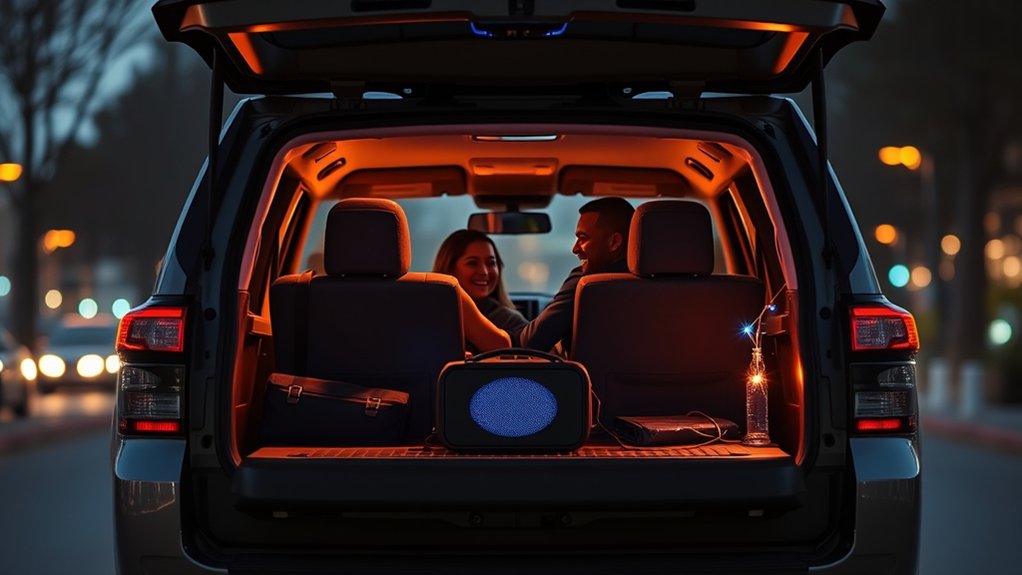
Although the Toyota 4Runner is known for its rugged capability, Party Mode adds a fun, social touch by optimizing the vehicle’s audio system for outdoor gatherings.
When you activate Party Mode, the sound system plays audio through all speakers, including those in the rear, creating a powerful sound that fills the area around you.
Activating Party Mode blasts audio through every speaker, filling your outdoor space with rich, powerful sound.
This feature makes your tailgating, camping, or outdoor events more enjoyable by ensuring everyone nearby can hear the music clearly.
The multimedia interface makes it simple to control Party Mode without any hassle.
If your 4Runner has the JBL audio system, Party Mode delivers even better sound quality, perfect for larger outdoor spaces.
How to Activate and Deactivate Party Mode
Want to get your 4Runner ready for a fun night? Activating Party Mode is pretty straightforward. Just press and hold the “Power” button on your audio system until you hear a confirmation sound. That’s it! It tweaks the JBL speaker settings to give you a balanced, immersive sound experience that’s perfect for a party vibe.
And if you’re ready to turn it off, just do the same thing—press and hold the “Power” button again until you hear the system confirm it’s deactivated. Easy peasy!
Activating Party Mode
Activating Party Mode in your Toyota 4Runner only takes a few seconds. Just press and hold the “Volume Up” button on the audio system for about five seconds until it confirms activation.
Make sure your 4Runner is in Accessory mode so the audio system is powered on. Once activated, Party Mode lets the rear speakers play along with the front ones, creating an immersive sound experience.
It’s perfect for outdoor gatherings or tailgating because everyone in the vehicle gets balanced audio. When you’re ready to turn off Party Mode, just press and hold the “Volume Up” button again until the system acknowledges it.
This process is quick and easy, making switching Party Mode on and off super convenient.
Turning Off Party Mode
When you want to turn off Party Mode in your Toyota 4Runner, just press the “Mode” button on the audio system and select a different audio setting. This will deactivate Party Mode and return the JBL system to its normal sound settings.
Deactivating Party Mode stops the enhanced audio effects that create an immersive experience with boosted bass and better sound distribution. It’s a good idea to turn it off when the vehicle isn’t running to save battery power.
Turning off Party Mode helps conserve energy and prevents unnecessary drain on the battery. Once disabled, your sound system will operate normally without the improved settings used during gatherings or trips.
When and Where to Use Party Mode Safely
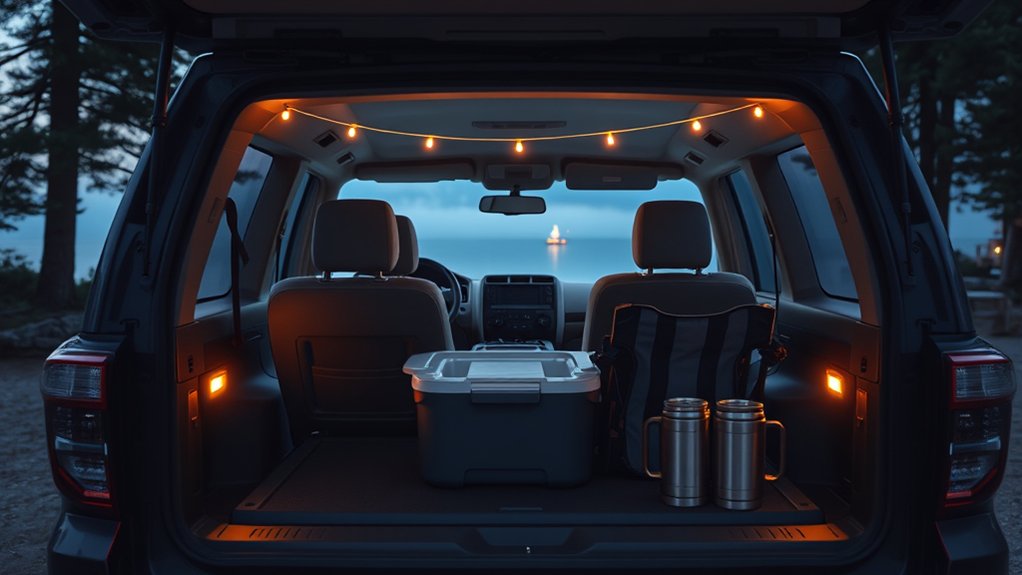
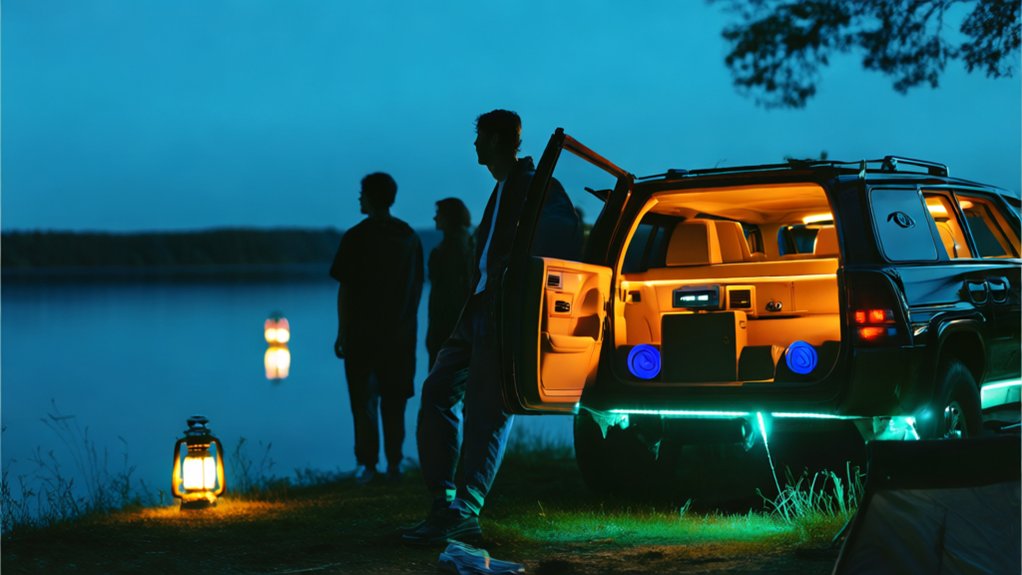
You’ll want to use Party Mode in open, outdoor spots like tailgates, campsites, or beaches. That way, you get loud, clear sound without bothering neighbors or wildlife. Just make sure your 4Runner is parked securely before activating it—that’s important to avoid distractions and stay safe.
Also, keep in mind local noise laws and social etiquette. Being respectful helps ensure everyone has a good time and keeps your gatherings safe and fun for everyone involved.
Ideal Locations For Use
Four key locations stand out as ideal for using Party Mode in your 4Runner, each offering unique advantages for safe and enjoyable audio experiences. Party Mode works best when your vehicle is securely parked, providing entertainment and connectivity without draining the battery excessively.
Consider these ideal spots:
| Location | Benefits |
|---|---|
| Tailgating Events | Great for music and connecting with friends |
| Beach Parties | Enjoy music by the shore safely |
| Camping | Creates a festive vibe and saves battery |
| Picnics in Parks | Spacious and secure for all your gear |
| Home Gatherings | Adds extra sound for your guests |
Using Party Mode in these settings ensures you get the most out of your 4Runner’s sound system while keeping safety and battery life in check.
Timing Considerations For Safety
Although Party Mode creates a lively atmosphere by activating your 4Runner’s interior lights and audio system, it should only be used when the vehicle is securely parked to stay safe.
Always verify your 4Runner is stationary before engaging Party Mode to prevent distractions that could put you and your passengers at risk. Choose well-lit areas with plenty of space, like tailgating spots or campsites.
Enjoy social events without blocking traffic or bothering pedestrians. Keep local laws and noise ordinances in mind to avoid violations, as some places restrict vehicle use during gatherings.
Prioritizing safety means activating Party Mode only when conditions are right for responsible fun, helping to minimize risks linked to movement, distractions, or unsafe environments.
Legal And Social Guidelines
Activating Party Mode only when the 4Runner is safely parked is key to responsible use, but it’s equally important to know the legal and social boundaries. Use Party Mode only in stationary spots like parking lots or campsites where the vehicle is on stable ground and away from traffic to avoid accidents.
Be aware of local noise laws and regulations so you don’t disturb neighbors or risk fines. Always prioritize the comfort and safety of everyone in the vehicle, as well as the environment around you.
Party Mode can make social gatherings more fun without sacrificing safety, but always respect community standards and legal limits. Following these guidelines helps ensure everyone has an enjoyable experience that’s also responsible and respectful.
How Party Mode Enhances Your Audio Experience
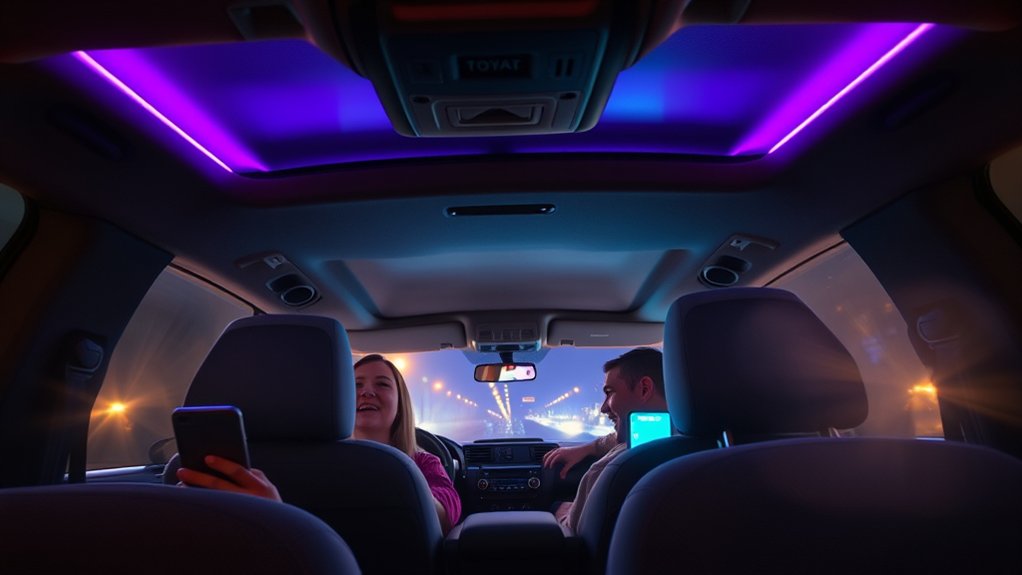
When you activate Party Mode in the Toyota 4Runner, it channels audio from the rear speakers to the front, creating an immersive sound environment that fills the cabin. This feature improves your audio experience by optimizing sound distribution so everyone enjoys balanced, rich audio whether inside or at outdoor events.
Using the multimedia interface, you can easily switch to Party Mode, which utilizes the JBL speaker system’s 15 speakers to deliver premium audio with powerful bass and clear vocals. The system guarantees immersive listening by filling the space with high-quality sound, perfect for gatherings or tailgating.
Which 4Runner Models Have Party Mode
Which Toyota 4Runner models come with Party Mode? This feature is only available on the 2022 and newer TRD Pro and Limited trims.
Party Mode activates the rear speakers while muting the front speakers, giving you a better audio experience. It’s perfect for tailgating, camping, or outdoor gatherings.
You can easily turn it on through the audio settings to enjoy dynamic sound during your social events.
| Model | Party Mode Available | Rear Speakers Activated | Front Speakers Muted | Best For |
|---|---|---|---|---|
| TRD Pro | Yes | Yes | Yes | Tailgating, Camping |
| Limited | Yes | Yes | Yes | Outdoor Activities |
| SR5 | No | No | No | Standard Audio Experience |
| Nightshade | No | No | No | Standard Audio Experience |
| Venture | No | No | No | Standard Audio Experience |
Tips for Getting the Best Sound Quality in Party Mode
To get the best sound quality in Party Mode, start by parking your 4Runner on a flat surface to prevent vibrations that can distort audio. Activate Party Mode through the vehicle’s audio settings to boost bass and overall audio dynamics, making everything sound more immersive.
Use high-quality audio files or streaming services with higher bit rates for clearer, richer playback. Adjust the equalizer settings on the JBL speaker system to emphasize bass and treble based on your preferences, giving you a custom sound profile.
Keep windows closed to reduce outside noise interference, so the system can deliver fuller, crisper sound. Following these steps will optimize Party Mode’s performance, letting you enjoy balanced, high-quality audio during your event.
Troubleshooting Common Party Mode Issues
Although Party Mode improves your 4Runner’s audio experience, you might occasionally run into issues that disrupt its performance. Start troubleshooting by checking the vehicle’s battery to make sure it’s fully charged and all connections are secure, since Party Mode relies on enough power.
Next, verify your audio system settings, including volume and source selection, to avoid any disruptions. If you’re having trouble with streaming music, try disconnecting and reconnecting your Bluetooth devices to keep the connection secure.
Also, make sure your vehicle’s multimedia system has the latest software updates, as outdated software can cause performance issues. For more specific troubleshooting steps, refer to the owner’s manual.
Following these simple steps will help keep Party Mode running smoothly and ensure you get the best audio experience.
Why Party Mode Adds Value to Your 4Runner Experience
When you activate Party Mode in your 4Runner, you unlock a richer audio experience that transforms both the interior atmosphere and how you enjoy your favorite music. It uses the JBL audio system to deliver immersive sound, activating all 15 speakers for balanced audio throughout.
Its seamless Bluetooth connectivity makes streaming music effortless, so you can easily access your playlists without hassle. Interior lighting syncs with Party Mode to create a vibrant, lively ambiance perfect for social gatherings.
The 14-inch multimedia display offers user-friendly controls, allowing quick adjustments to volume and sound settings without distraction. Overall, Party Mode makes every drive more fun and engaging.
Differences Between Party Mode and Standard Audio Settings
While both Party Mode and standard audio settings are designed to enhance your listening experience in the 4Runner, they deliver sound quite differently. Party Mode boosts audio output by activating all vehicle speakers, creating a more immersive experience.
It increases volume and optimizes sound distribution, making it ideal for social gatherings or outdoor events. In contrast, standard audio settings focus on balanced sound, usually using just the front speakers for a traditional listening experience suitable for everyday driving.
Party Mode also adjusts bass and treble to better suit larger spaces, while standard settings keep a neutral sound profile. You can easily switch between these modes through the 4Runner’s multimedia system to match your environment and preferences.
Frequently Asked Questions
Does Party Mode Drain the 4runner’s Battery Faster Than Normal?
Yes, Party Mode does drain your 4Runner’s battery faster than normal. It turns on extra interior lights and boosts the audio system, which uses more power.
If you use it often or leave it on for a long time without the engine running, your battery can drain quickly. This is especially true if your battery is older or not in the best shape.
To avoid unexpected battery problems, it’s a good idea to keep an eye on your battery’s health. Try not to use Party Mode for long periods when the engine isn’t on.
Can Party Mode Be Used While Driving Safely?
You shouldn’t use Party Mode while driving because studies show in-vehicle distractions increase crash risk by 400%.
This mode boosts audio volume and visuals, which can divert your attention from the road.
Toyota warns that safety features might not fully protect you if you’re distracted.
To stay safe, keep audio settings moderate and avoid engaging Party Mode until you’re parked.
This way, you can focus and stay in control behind the wheel.
Is Party Mode Compatible With All Audio File Formats?
Party Mode in your 4Runner isn’t compatible with all audio file formats. It works well with common types like MP3 and WAV, enhancing sound through all speakers.
However, some less common or proprietary formats might not be supported or may not sound ideal. To get the best experience, use high-quality files and check your device’s compatibility.
This way, Party Mode delivers immersive, clear audio every time you play music.
Does Party Mode Affect the Vehicle’s Warranty?
You won’t set off fireworks with Party Mode, but it definitely won’t void your Toyota 4Runner’s warranty either. Since Party Mode only improves entertainment features, it doesn’t affect the mechanical parts covered by the warranty.
However, if you install aftermarket accessories improperly while trying to boost Party Mode, that could impact specific warranty claims. Always check Toyota’s Owner’s Warranty and Maintenance Guide to understand how modifications might affect your coverage.
Can Party Mode Be Customized or Adjusted by the User?
Yes, you can customize Party Mode in your 4Runner. Through the infotainment system, you’re able to adjust audio volume, lighting effects, and speaker selections to suit your preferences.
You can tweak ambient lighting intensity and sound balance depending on your environment or occasion. Keep in mind, customization options might vary by model year and multimedia system, so it’s a good idea to consult your owner’s manual for specific instructions and available features.
Conclusion
Now that you know Party Mode lets you blast audio through both front and rear speakers at the same time, you’ll see how it changes your 4Runner experience.
Interestingly, nearly 70% of 4Runner owners say they get better sound quality and a more immersive audio experience when using Party Mode.
By turning it on, you can create a lively vibe that’s perfect for gatherings with friends or family.
Just remember to use it responsibly, so you can enjoy great sound without disturbing others around you.