How To Remote Start 4runner With Key Fob – Simple Steps
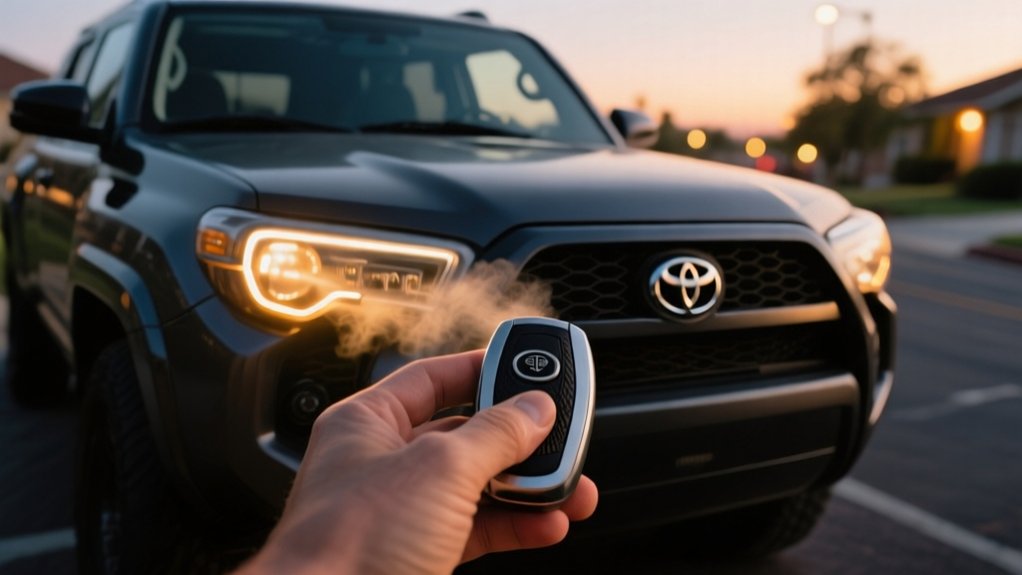
To remote start your 4Runner with the key fob, first make sure all doors are closed.
Then, press the lock button three times within five seconds to activate the engine remotely.
The engine will run for 10 minutes, but you can extend this with programming.
Check that your key fob battery is strong and that you’re within about 30 feet of the vehicle.
If the engine doesn’t start, look for security locks or settings that might be blocking it.
More details on programming and enhancing remote start are in the following sections.
Key Takeaways
- Press the lock button on the 4Runner key fob three times within five seconds to activate remote start.
- Ensure all doors and the hood are fully closed before using remote start.
- Confirm the vehicle is within about 30 feet range for the remote start to work effectively.
- Replace the key fob battery if remote start does not activate or functions intermittently.
- The engine runs for 10 minutes automatically and can be extended to 15 minutes with programming.
How to Check If Your 4Runner Has Factory Remote Start
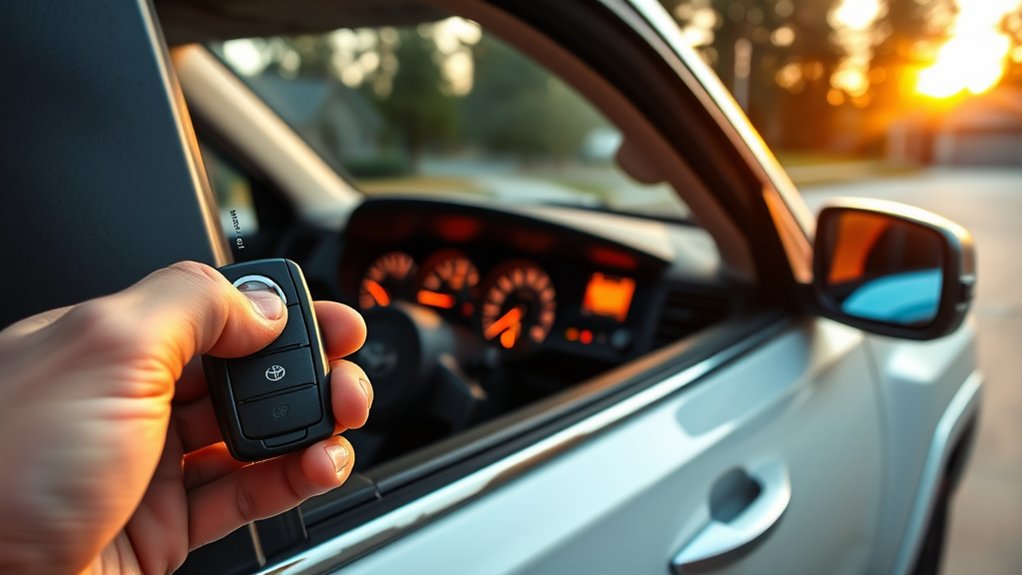
How can you quickly determine if your 4Runner comes with factory remote start? First, check your key fob for a remote start button, usually marked by a circular arrow symbol. If you don’t see it, look at your owner’s manual to see if remote start is available for your model year.
Next, try accessing the infotainment system or settings menu. If your vehicle has remote start, it should show up there. For a more in-depth check, you can inspect the Body Control Module settings, which indicate whether remote start is enabled.
If you’re still unsure, the best move is to give your Toyota dealership your VIN. They can tell you if your 4Runner has factory-installed remote start based on its configuration. Following these steps will help you accurately figure out if your vehicle has this feature without any guesswork.
How to Remote Start Your 4Runner With the Key Fob
Want to remote start your 4Runner with your key fob? It’s pretty straightforward. Just press the lock button three times within five seconds, and your engine should fire up. Just make sure all the doors are closed because if you open any door, the engine will turn off right away.
If it doesn’t start, don’t worry. First, check the battery in your key fob—it might need replacing. Also, make sure your vehicle is within the signal range of the fob. Sometimes, being too far away can prevent it from starting.
Remote Start Activation
Activate your 4Runner’s remote start by pressing the lock button on the key fob three times within five seconds. Make sure your vehicle is parked in a secure spot and that the key fob stays within about 30 feet, which is the effective range for remote start.
This factory feature might only be available on certain 4Runner trim levels, like Pro and Limited. Once activated, the engine runs remotely for 10 minutes, which can be extended to 15 minutes if needed. However, this stops if a door opens.
When you’re ready to get in, press the brake pedal and then the push button start to fully engage the engine and driving system. Using the lock button sequence on your key fob correctly activates the remote start, helping you warm up or cool down your 4Runner easily.
Key Fob Sequence
Using your 4Runner’s key fob correctly starts the remote start function with a specific button sequence. To activate remote start, press the lock button three times quickly while staying within the effective range of your vehicle.
This factory feature is available on Pro and Limited models, so make sure your vehicle supports it before trying. Also, ensure your key fob battery is fully charged to keep the communication reliable.
Follow these steps for proper operation:
- Press the lock button rapidly three times to start the engine remotely.
- The engine should run for about 10 minutes, but you can extend it to 15 minutes with programming.
- The engine will shut off automatically if any door opens, which is a safety feature.
- Check your 4Runner model to confirm it supports this remote start feature for smooth use.
Sticking to this key fob sequence makes sure you get the remote start working efficiently.
Troubleshooting Your 4Runner Remote Start Issues
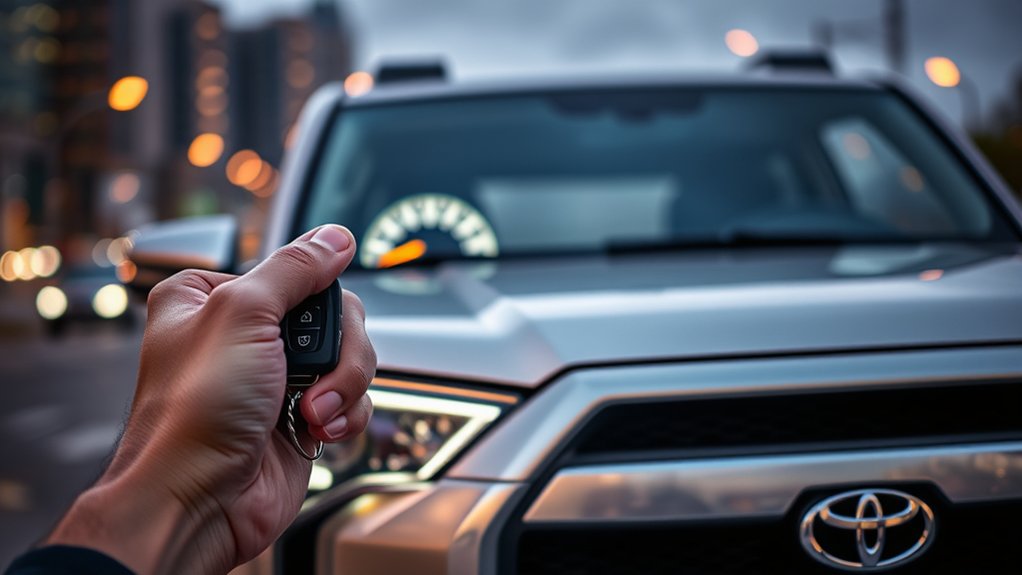
Having trouble with your 4Runner remote start not working? First things first, take a quick look at the key fob battery. If it’s weak or dead, replacing it usually does the trick.
Next, make sure all the doors and the hood are fully closed. The system won’t kick in if anything’s ajar. And don’t forget to check the dashboard for any security messages or error codes—that could be what’s stopping your remote start from working properly.
Common Remote Start Problems
Troubleshooting your 4Runner’s remote start requires paying attention to a few common issues that can affect how it works. Many problems are caused by simple mistakes or technical glitches involving the remote start system, key fob, or vehicle settings.
Start by checking these important points:
Make sure all vehicle doors are fully closed and locked. An open door will disable the remote start feature.
Next, check the key fob battery. A weak battery can reduce the range or stop the remote from working altogether.
Ensure you’re in a secure location with a clear line of sight to your vehicle. Good visibility helps the key fob communicate properly.
Finally, verify that the remote start feature is correctly programmed and that the Body Control Module (BCM) settings are correct.
If problems persist, refer to your owner’s manual for troubleshooting tips or consider professional help to prevent further issues.
Fixing Key Fob Issues
When your 4Runner’s remote start doesn’t activate, the key fob is usually the main culprit. Start by checking the battery—if it’s dead or low, the signal weakens and remote start may not work.
Next, make sure the key fob is properly programmed. If it’s not, it won’t activate. Check your owner’s manual for instructions on how to reprogram it if needed.
Also, double-check that all doors are fully closed. An open door can disable remote start, so ensure everything is shut tight.
If you’re still having trouble, try resetting the key fob. Remove its battery for a few minutes, then put it back in to clear any temporary glitches.
If these steps don’t do the trick, it’s best to get professional help. Visit your dealership for more advanced diagnostics and repairs.
Following these steps systematically can help keep your remote start working reliably on your 4Runner.
Programming Your 4Runner Key Fob for Remote Start
Start programming your 4Runner key fob by inserting the key into the ignition and turning it to the “On” position without starting the engine. Hold it for about 30 seconds until the dashboard lights blink, signaling that programming mode is activated. Make sure all doors are closed and locked before moving forward.
Next, press the Lock button on the key fob twice to engage remote start programming. Watch for vehicle lights flashing or the horn honking, which confirms successful programming.
If you don’t see any confirmation, remove the key and repeat the process from the beginning. Be sure not to open any doors during programming, as this can interrupt the mode.
This sequence uses the ignition position and dashboard lights as indicators to program your key fob for remote start. If needed, just repeat the process carefully until everything works.
How to Extend Your 4Runner Key Fob Remote Start Run Time
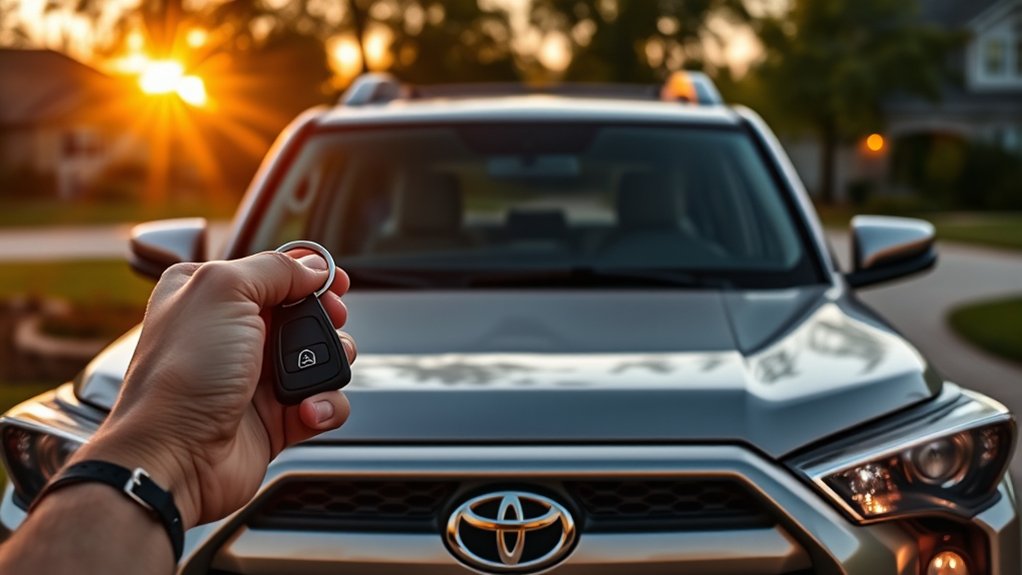
Although the default remote start run time on your 4Runner is 10 minutes, you can extend it to 15 minutes or more by adjusting settings during installation or programming.
When ordering an aftermarket remote start module, make sure to specify your preferred run time so you get the extension you want.
During programming, turn the ignition key to the accessory position for 30 seconds. A blinking light will confirm successful programming before it turns off.
Some aftermarket systems can offer run times beyond 15 minutes, giving you more flexibility.
Always follow the specific instructions included with your remote start kit, as run time options and programming steps can vary by manufacturer and model.
Proper installation and programming will ensure your remote start run time matches your preferences exactly.
How to Improve Your Key Fob Remote Start Range
Improving your key fob’s remote start range involves paying attention to both the device and your environment. First, make sure the key fob’s battery is fully charged since a weak battery can reduce signal strength and limit how far you can start your vehicle remotely.
Next, try to maintain a clear line of sight between you and the vehicle. Obstacles like buildings, trees, or other objects can block signals and reduce range. Avoid using remote start in enclosed spaces, as signals tend to get blocked or weakened there.
For the best performance, consider upgrading to a high-quality aftermarket remote start system. These often offer extended range and more reliable connections, making your remote start experience smoother.
How Factory and Aftermarket Remote Start Systems Differ
When comparing factory and aftermarket remote start systems, you’ll notice key differences in range, functionality, and user feedback. Factory systems usually have limited range and often require multiple lock button presses to activate remote start. In contrast, aftermarket systems offer extended range and more flexible activation methods.
Regarding engine operation, factory systems typically shut off the engine when a door opens. Many aftermarket systems, however, keep the engine running in this scenario, adding convenience.
Two-way communication is another big difference. Factory systems often lack it, so you’re left unsure if your vehicle has started until you return. Some aftermarket systems provide real-time feedback via apps, giving you peace of mind.
User satisfaction tends to be higher with aftermarket installations. This is mainly because they offer better functionality, improved performance, and more reliable wiring compared to factory systems.
Aftermarket Remote Start Options for 4Runner
If you want to extend your 4Runner’s remote start capabilities beyond what the factory system offers, aftermarket options can be a game-changer. An aftermarket remote start system, like a plug-and-play kit, provides better range and more features, including the ability to keep the engine running even when doors are open.
For enhanced range and features, aftermarket remote start kits take your 4Runner beyond factory capabilities.
These kits are designed for easy installation with minimal wiring, making them suitable for most 4Runner models from 2020 to 2024. Some systems also include smartphone app integration, so you can control your vehicle remotely with just a tap on your phone.
Key features include a plug-and-play design for quick setup, compatibility with multiple 4Runner models, the engine running feature with doors open, and smartphone app control for added convenience.
Upgrading to an aftermarket remote start definitely enhances how you use and control your 4Runner.
Frequently Asked Questions
Can I Remote Start My 4runner in Cold Weather Only?
Yes, you can remote start your 4Runner in cold weather without any issues. The system is designed to work regardless of the temperature.
Just make sure all doors are closed and the vehicle is secure before activating it. Cold weather might reduce your key fob’s effective range, so it’s a good idea to test it beforehand.
If you want extended range or better performance, consider installing an aftermarket remote start system that’s built for colder climates.
Does Remote Start Affect My 4runner’s Warranty?
Think of your warranty as a safety net; installing an aftermarket remote start system can create holes in that net. If you add non-factory equipment, you risk voiding parts of your 4Runner’s warranty, especially if electrical issues come up.
To protect yourself, always check with your dealer first, keep your installation records, and consider factory-approved options. That way, you stay covered and avoid any disputes over who’s responsible if something goes wrong.
Will the Remote Start Work if the Hood Is Open?
No, the remote start won’t work if the hood is open. The 4Runner’s safety system detects the hood status and disables remote start to prevent the engine from running during maintenance.
Before you try to remote start your vehicle, always verify the hood is fully closed. This safety feature protects you and your vehicle by preventing accidental engine operation when the hood is ajar or open.
Can I Use Remote Start With the Key Fob Inside the Vehicle?
You can’t spark your 4Runner’s engine with the key fob inside the vehicle. It’s like trying to start a fire without a match. The system disables remote start to prevent unauthorized use.
Always make sure the key fob is outside and within range. To activate remote start, press the lock button three times quickly.
How Long Does the Remote Start Function Keep the Engine Running?
The remote start function keeps your 4Runner’s engine running for a default of 10 minutes. In some models, you can extend this up to 15 minutes.
If you open a door during remote operation, the engine will automatically shut off for safety reasons. To keep the engine running, you’ll need to re-initiate remote start with your key fob within the allowed time.
Check your owner’s manual for the exact timing and how to program it, since details can vary depending on your specific model.
Conclusion
Now that you know how to remote start your 4Runner with the key fob, imagine stepping into a perfectly warmed or cooled cabin, ready to go—no fuss, no delay.
By following these simple steps, you’ll master your vehicle’s remote start system, troubleshoot any issues, and even extend its range.
With this knowledge, you’re all set to enjoy a comfortable ride before you even open the door. It makes every drive smoother and smarter.