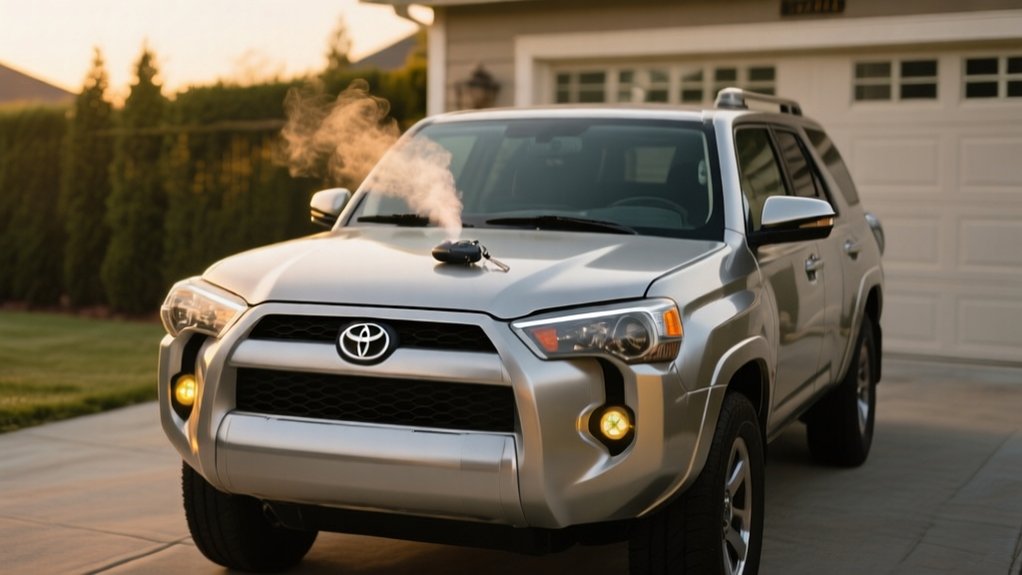
Does 4runner Have Remote Start – The Real Answer
Yes, your Toyota 4Runner can have remote start, but it depends on the model year and trim.
Factory remote start comes standard on 2019 and newer Premium and Limited trims, often controlled via Toyota’s Connected Services app.
Lower trims usually don’t include it, so you’d need an aftermarket system.
If you go that route, be mindful of compatibility, installation quality, and warranty implications.
Keep exploring to understand the best options and safety tips for your 4Runner.
Key Takeaways
- Toyota 4Runner models from 2019 onward offer factory remote start on Premium and Limited trims.
- Remote Connect feature on 2020+ 4Runners enables remote start via smartphone with an active subscription.
- Lower trim levels generally do not include factory remote start systems.
- Aftermarket remote start kits like Viper and COMPUSTAR provide remote start options for all 4Runner models.
- Proper installation and compatibility checks are essential to avoid warranty issues and ensure system reliability.
Does the 4Runner Have Remote Start From the Factory?
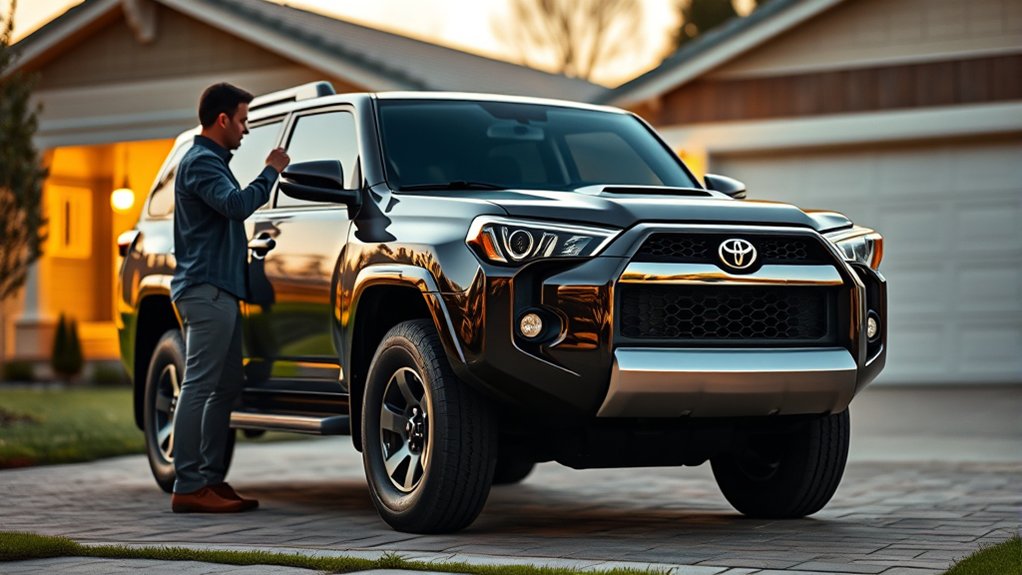
Does the Toyota 4Runner come with remote start from the factory? Yes, but it depends on the trim level and model year. Starting with 2019 models, some trims like the Premium and Limited offer factory-installed remote start systems.
This feature allows you to start the engine and precondition the cabin temperature remotely using the key fob. Lower trims usually don’t come with this system from the factory, so you might need an aftermarket option.
If your 4Runner supports Toyota’s Connected Services, you can also use a smartphone app to remote start. This adds extra convenience. Just be sure to check your specific model year and trim, as remote start availability varies across different 4Runner configurations.
4Runner Models With Remote Connect Remote Start?
If you’re interested in remote start capabilities beyond the factory key fob, the 4Runner models with Remote Connect offer a handy alternative. Usually, 2020 and newer 4Runners come with this feature, letting you start the engine, change climate settings, and lock or unlock doors remotely through the Toyota app.
To use Remote Start via Remote Connect, your vehicle needs to be compatible with Toyota’s Connected Services, and you’ll need an active subscription. Keep in mind, not all trim levels include Remote Connect, so it’s worth checking the specific features of the model you’re considering.
This smartphone-controlled Remote Start makes life easier, especially in extreme weather, by allowing you to prepare your vehicle from a distance without needing the key fob.
How Aftermarket Remote Start Works on the 4Runner
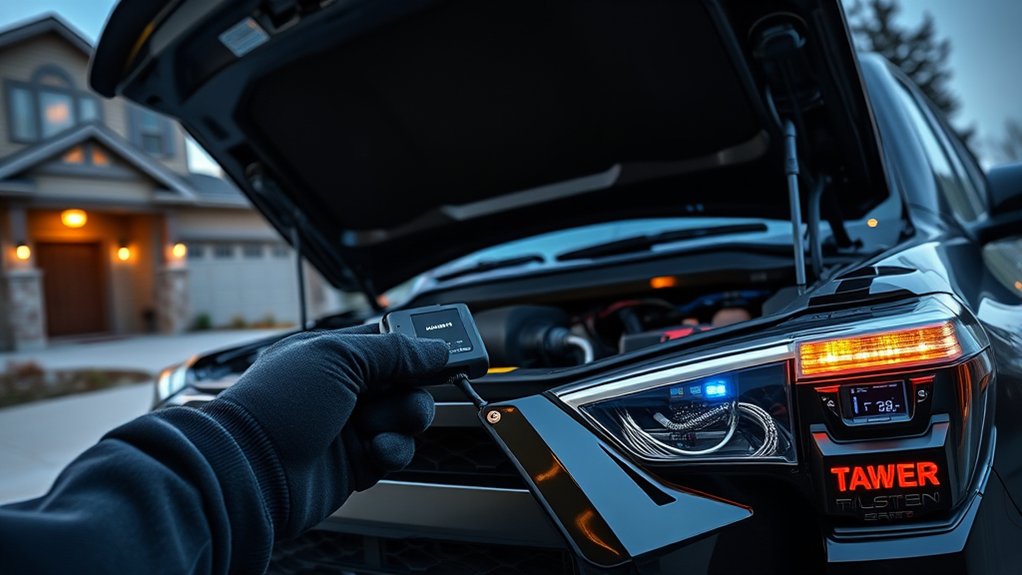
When you choose an aftermarket remote start system for your 4Runner, it usually connects directly to the vehicle’s existing wiring. This allows you to start the engine and adjust climate controls remotely without needing extensive modifications.
Installation options vary, including plug-and-play kits that make setup easier and faster. Many systems, like Viper 5706V and COMPUSTAR, have smartphone app compatibility, so you can start your 4Runner from afar and check its status in real time.
These aftermarket remote start systems are designed to work seamlessly without interfering with your factory computer systems. This helps ensure safe operation and maintains your vehicle’s integrity.
Before installing, it’s important to confirm that the system you pick is compatible with your specific 4Runner model. This way, you can enjoy all the features without risking any performance issues.
Key Factors to Consider Before Installing Aftermarket Remote Start
Choosing the right aftermarket remote start system for your 4Runner involves more than just picking a popular model. You need to verify compatibility with your specific 4Runner to avoid functionality issues.
Next, consider the installation method: plug-and-play systems generally offer simpler installation, while hardwired options might require professional help.
Consider installation methods carefully: plug-and-play is easier, while hardwired may need professional assistance.
Evaluate the features you need, such as smartphone integration for convenient control and remote range capabilities to start your vehicle from farther away.
Assessing these factors guarantees the system matches your lifestyle and vehicle requirements.
Finally, research user reviews and recommendations to confirm reliability, especially if you live in colder climates where dependable remote start performance is essential.
Making informed choices on compatibility, installation method, and features will lead to a successful aftermarket remote start setup.
Popular Remote Start Brands and Systems for the 4Runner
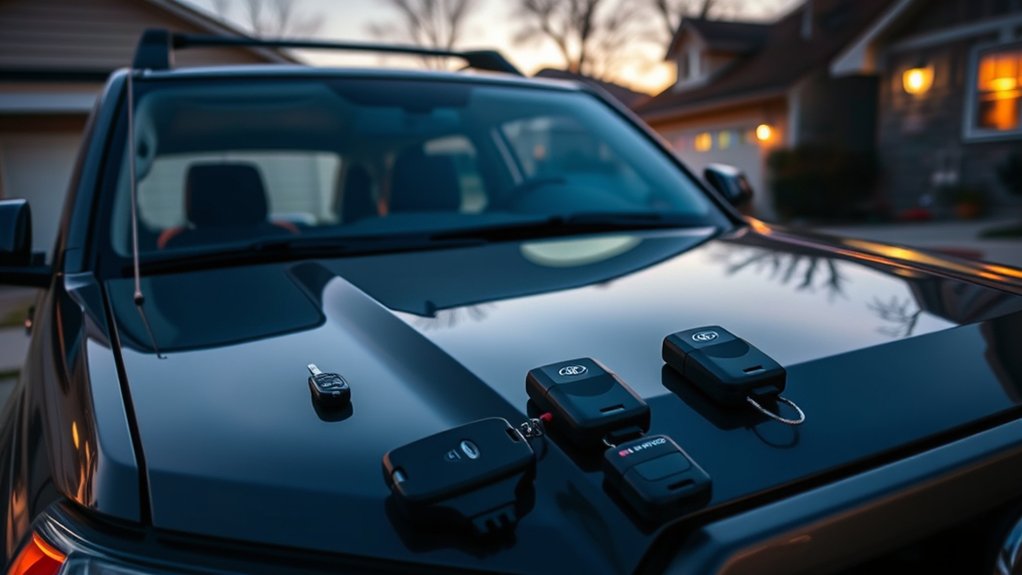
Although choosing a remote start system might seem overwhelming, sticking with well-known brands like Viper, COMPUSTAR, and 12voltSolutions can help narrow down your options.
Viper offers models such as the 5706V, which allows the engine to run even when the doors are open, giving you more flexibility.
COMPUSTAR stands out with its DRONE module, letting you start your 4Runner remotely with your smartphone and even track its location.
Many systems from these brands are designed for easy, plug-and-play installation, tailored for various 4Runner models.
Before buying, make sure to check if the system is compatible with your specific vehicle to ensure everything works smoothly.
Thinking about these factors will help you pick a remote start system that fits your needs and integrates seamlessly with your 4Runner’s electronics.
Will Remote Start Affect My 4Runner’s Computer or Warranty?
If you install an aftermarket remote start system without proper care, you could risk voiding your 4Runner’s warranty or interfering with its computer systems. Here’s what you should consider:
- Non-OEM remote start installations may disrupt your 4Runner’s complex computer systems, causing malfunctions.
- Unauthorized installation or damage from remote start systems can void your Toyota warranty.
- Choosing a remote start system specifically compatible with the 4Runner helps minimize risks.
- Toyota’s factory-installed remote start options guarantee full warranty coverage and system compatibility.
To protect your vehicle’s warranty and electronics, always review Toyota’s warranty policy before installation. Professional installation reduces the chance of issues, maintaining your 4Runner’s performance and warranty integrity.
How to Safely Install Remote Start on Your 4Runner
Start by choosing a remote start system that works well with your 4Runner’s technology. Picking a compatible model like Viper or COMPUSTAR helps ensure smooth integration with Toyota’s systems.
Gather the right tools, such as wire strippers and connectors, to keep the installation clean and damage-free. Be sure to follow the manufacturer’s instructions carefully because improper wiring can mess up your vehicle’s electronics and even void your warranty.
Use proper tools and follow instructions closely to avoid damaging your vehicle’s electronics or voiding the warranty.
If you’re unsure about any step, it’s a good idea to hire a professional installer who has experience with 4Runners. This can save you from costly mistakes and keep everything safe.
Once everything is installed, test the remote start in a safe area. Make sure it works properly and doesn’t interfere with any other vehicle systems. This way, you’ll have a reliable and safe remote start setup for your 4Runner.
Using Remote Start to Warm Your 4Runner in Cold Weather
When temperatures drop, using a remote start system lets you warm your 4Runner’s engine and cabin before you get inside, making things more comfortable and safer. It’s especially handy in cold weather because it defrosts windows and preheats the interior.
To get the most out of remote start, first confirm that it’s compatible with your 4Runner model to ensure everything works smoothly.
Choose a system that offers smartphone app control so you can easily manage the engine and climate settings from your phone.
It’s a good idea to schedule remote starts ahead of time so your cabin is cozy when you arrive.
Make sure to have it professionally installed to protect your vehicle’s computer systems and guarantee reliable operation.
Frequently Asked Questions
Can Remote Start Work if My 4runner Has a Manual Transmission?
Remote start generally won’t work with your manual transmission 4Runner because of safety concerns. Most systems need the vehicle to be in park, which manuals don’t have.
Some aftermarket kits might support manuals if they include extra safety features to stop the car from moving unintentionally.
You’ll need to check compatibility carefully and consider professional installation or custom solutions if remote start is important for your manual 4Runner.
Does Remote Start Affect My 4runner’s Fuel Efficiency?
Yes, remote start does affect your 4Runner’s fuel efficiency. When you remote start, the engine idles to warm up the cabin, which uses more fuel than driving would.
The impact depends on engine size and outside temperature. Colder weather causes higher fuel consumption because the engine runs longer to warm up.
To save fuel, try to avoid long idle times and only use remote start when you really need it. That way, you can stay comfortable without wasting too much fuel.
Can I Install Remote Start on a Used 4runner Without a Key Fob?
Imagine pressing a button from your cozy home while your 4Runner gently roars to life in the driveway. Yes, you can install remote start on a used 4Runner without a key fob, but you’ll need an aftermarket system that’s compatible with your model.
You’ll probably want professional help for wiring and ensuring everything works smoothly. Some kits even let you use your smartphone as a remote, making it super convenient without a traditional fob.
How Far Can I Typically Operate the Remote Start From?
You can usually operate a remote start system from about 500 to 1,000 feet away.
Premium systems might give you a range up to a mile, but that’s under ideal conditions.
Keep in mind, obstacles like buildings or terrain can cut that distance down quite a bit.
If you’re using a smartphone app for remote start, your range can be almost unlimited because it relies on cellular networks.
Always check your specific system’s range so you know what to expect.
Are There Smartphone Apps Compatible With 4runner Remote Start Systems?
Yes, you’ll find several smartphone apps compatible with 4Runner remote start systems. Toyota’s Connected Services app lets you start your vehicle, control climate settings, and track its location remotely.
Third-party systems like Viper and COMPUSTAR also offer app integration for remote access and control. Just make sure your 4Runner model supports these features, keep the app updated, and check if any subscriptions are needed for full functionality.
Conclusion
If you’re thinking about remote start for your 4Runner, know that factory options are limited to select models with Remote Connect.
Aftermarket systems can fill the gap but require careful installation to avoid voiding warranties or damaging your vehicle’s electronics.
Weigh your options carefully—don’t put all your eggs in one basket.
With the right setup, remote start adds convenience and comfort, especially in cold weather.
It can make your 4Runner ready when you are.